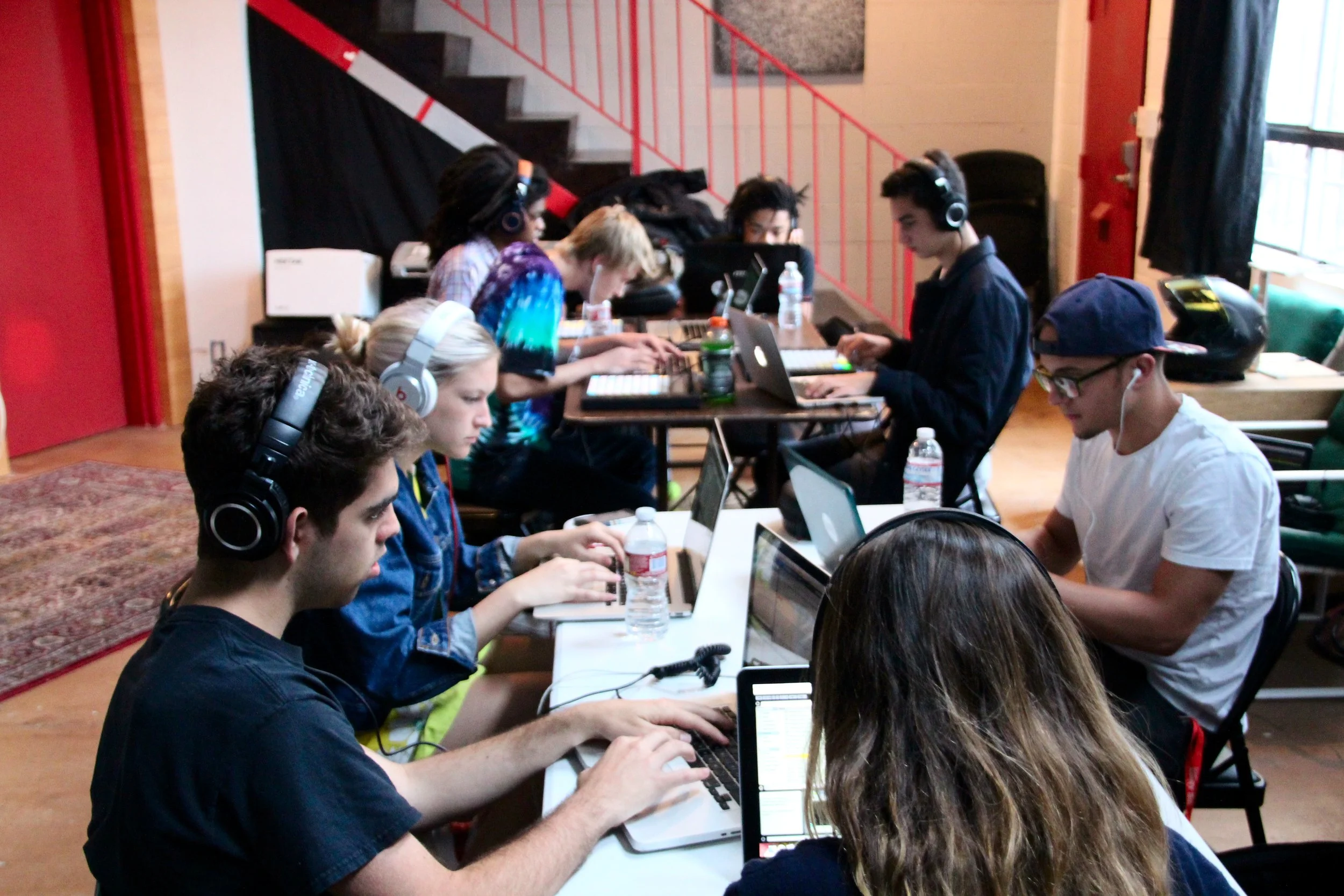
Students working 10 years ago in a private YPG workshop where tech and scholarships were provided.
Just a decade ago, only students at wealthy schools had access to quality music and audio tools. The early days of YPG were defined by closing that access gap. We were constantly battling for budget lines, time in school computer labs, and any free resources for students. We offered subsidized private workshops where we provided tech and financial aid to those who needed it (what's the statute of limitations on plugin piracy??).
The first glimpse of where we were headed came with the Ableton Push Trade In Initiative in 2016. Much to the Ableton team's credit, they realized that with the release of the second generation of Push, the Push 1's of the world were going to get shelved or go to the landfill. Instead, Ableton offered Push 1 owners the ability to get 30% off a Push 2 if they sent in their old Push. Ableton would then refurbish the device and send it to a school for free. But a Push 1 is just a big paperweight without software. So they started giving free licenses of Ableton Live Intro to schools with the controllers.
Ableton now offers eligible schools up to sixty seats of Live Intro, along with individual licenses for teachers and students, all for free. Soundtrap runs in a browser on the cheapest Chromebook on the cart, and a teacher can get certified on it in an hour for free.
The software problem is basically solved.
What is not solved is time. Somebody still has to decide what happens on the Tuesday after the software is installed, and that somebody is you, in August, with a hundred other things to do.
So here are four free resources we recommend for the year ahead, from our friends at Ableton and Soundtrap and a few from us. For each one we have written what it is and how we actually use it with students, across music, ELA, history, science, and world language.
Two things to settle in August
Check your devices. Soundtrap and everything browser-based runs on Chromebooks. Ableton Live Intro does not. If you are a Chromebook district, Soundtrap is your digital audio workstation. You're in good company: of the 1,376 songs submitted to this year's SoCal Beat Battle, 45% were made in Soundtrap, more than the next two platforms combined. It runs music production and podcasting equally well.
| Resource | Chromebook | Mac and PC |
|---|---|---|
| Soundtrap | Yes | Yes |
| Ableton Live Intro | No | Yes |
| Learning Music and Learning Synths | Yes | Yes |
| YPG Learning Platform | Yes | Yes |
Talk to IT now, not in October. Send your tech office soundtrap.com and the Ableton learning domains to allowlist. Then ask specifically about microphone permissions at the device policy level. A blanket mic block on managed Chromebooks stops Soundtrap cold, and it looks exactly like broken software when it isn't. That one catches teachers every year.
Tip: Soundtrap creates student accounts, so it goes through your district's privacy review. Start that paperwork asap, because it is the longest pole in the tent. Our curricula create no student accounts at all. The YPG Learning Platform is teacher login only, which means there is no student data and nothing for your district to review on our end.
Ableton for the Classroom
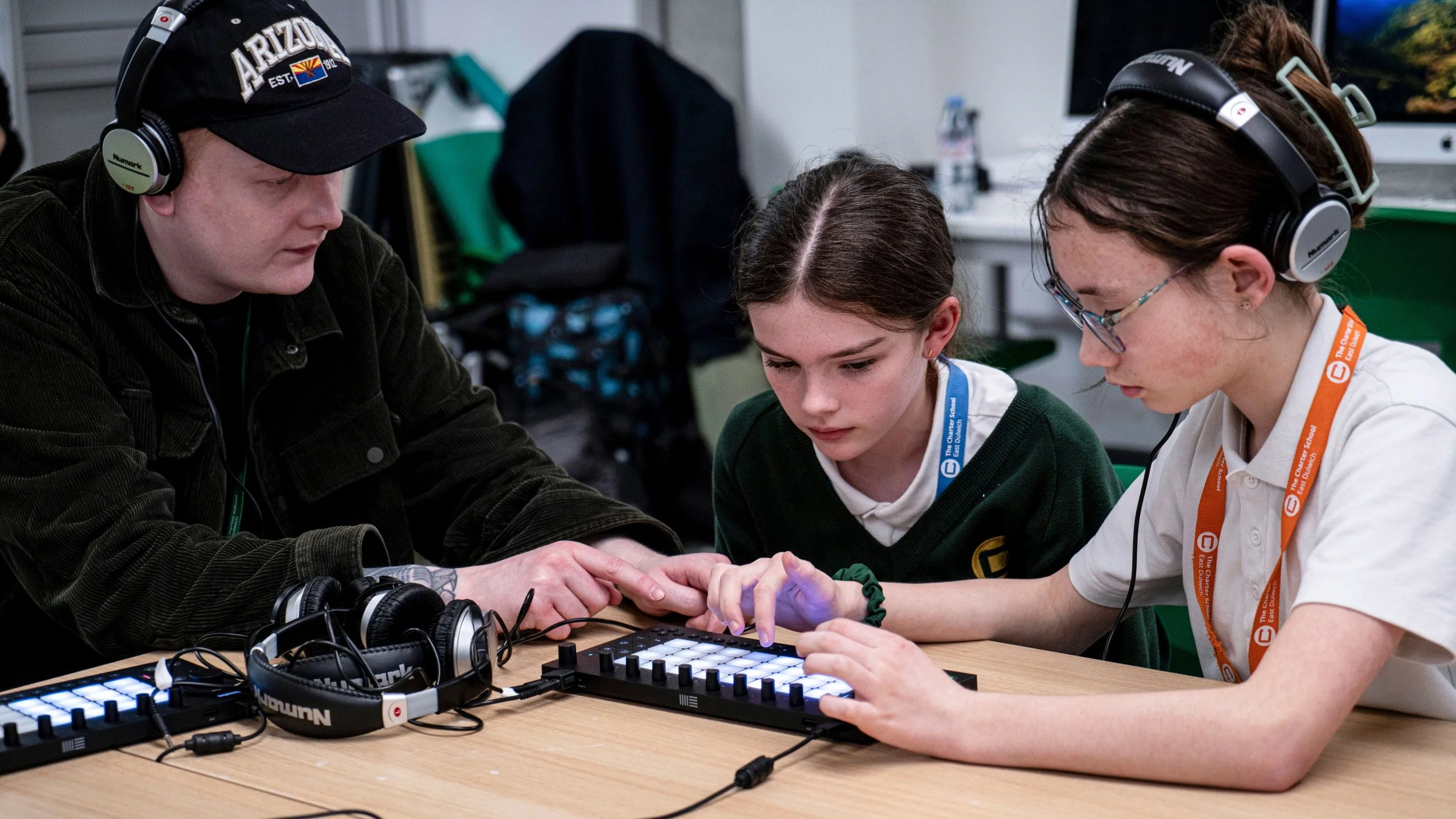
Students using Ableton Move in school (source: Ableton.com/classroom)
What it is
Ableton has made major commitments to supporting teachers and students with free and heavily discounted software and hardware along with a suite of free learning tools. While Ableton is widely known as a go-to, industry-standard DAW for music production and live performance, it is quite a flexible tool that works well for any audio-related activities like podcasting, dance class, dialogue editing, etc.
Eligible schools can apply for a Live Intro site license installable on up to 60 computers, and the school keeps it with no time limit. Apply here. FYI, it can take a week or two for the team in Berlin to review the application, so don't wait.
We are also able to provide free Ableton Live Intro to any student or teacher. Just email contact@youngproducersgroup.com for instructions.
Ableton also runs three browser-based learning tools that are free, need no account, and work on any device: Learning Music, Learning Synths, and the newest of the three, learn.ableton.com.
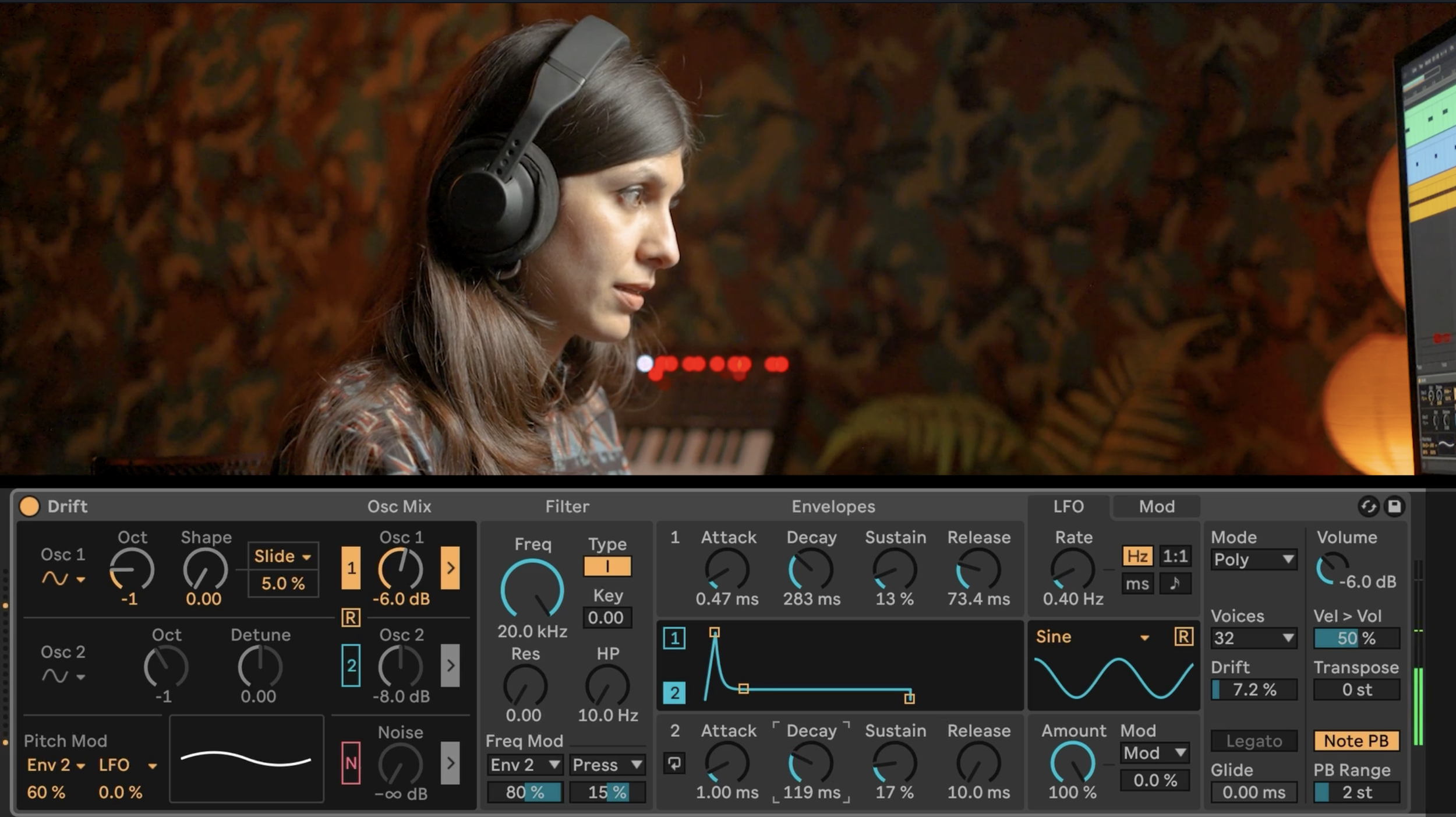
Sanaya Ardeshir digging into synthesis in Ableton Live in Music Production 2.
How we use it
Ableton Live is the software behind our Music Production 2 curriculum, and it is what a lot of working producers use every day. Students know the difference between a school tool and a professional one, and that knowledge does more for buy-in than anything we can tell them. The Beat Battle data shows the same arc from the other direction: Soundtrap leads in the younger grades, and as students get older they migrate toward Ableton, FL Studio, and Logic on their own.
Learning Music is the best low-prep entry activity a teacher could ask for. Students build a beat, a bassline, and a chord progression in a browser tab, and they are making musical decisions within ten minutes.
Synthesis is one of the hardest things to teach in a music production class. Oscillators, filters, envelopes, and LFOs stay abstract on a whiteboard, and students often struggle to see and hear how all the different pieces of the system connect. Learning Synths uses brilliant visualizations and analogies to help them understand the principles and helps them apply those skills with recipes and activities. We have not found a better way to make synthesis click.
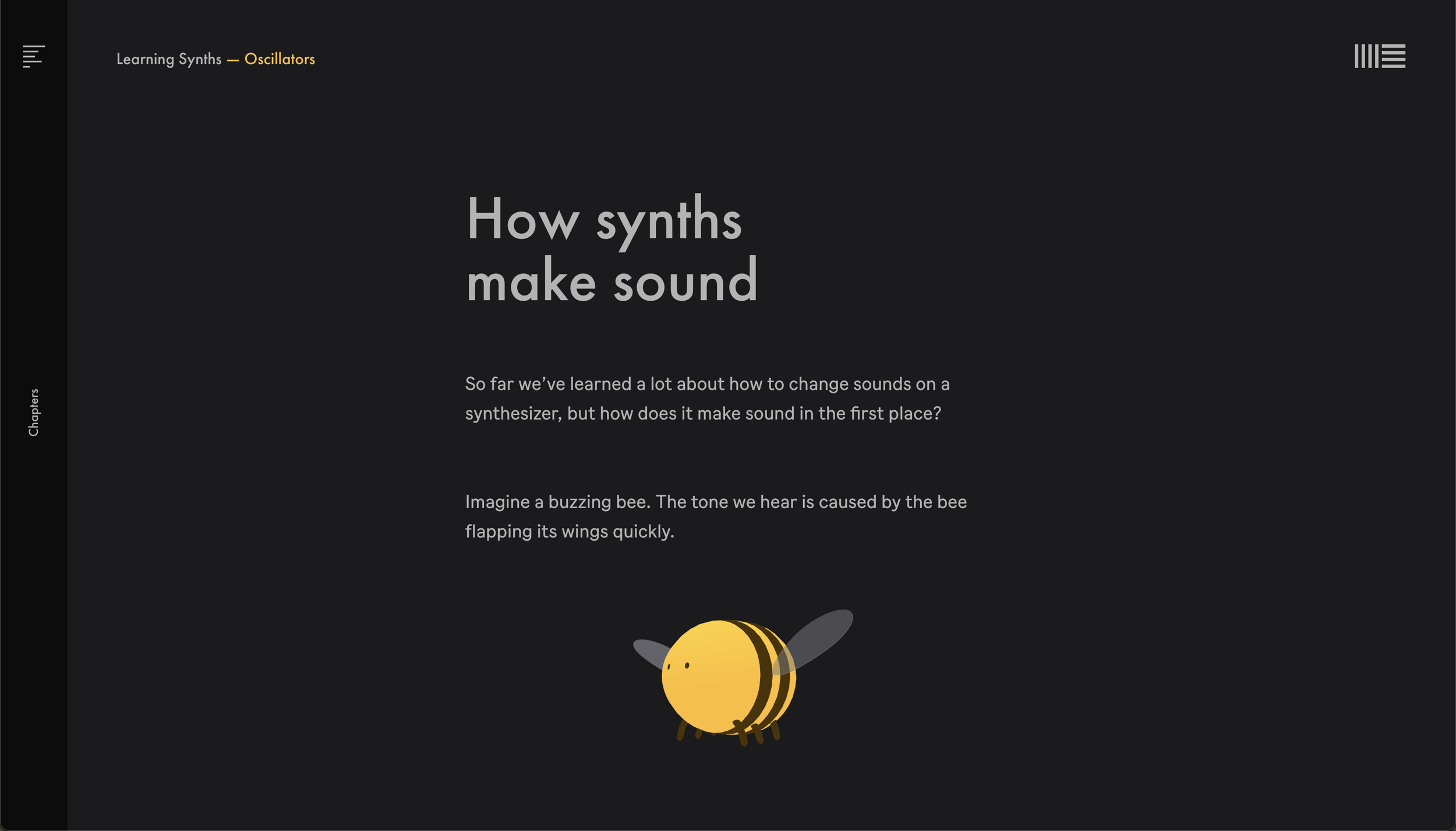
Learning Synths using a bumblebee’s wings to show how oscillators work.
2. Soundtrap Teacher Certification
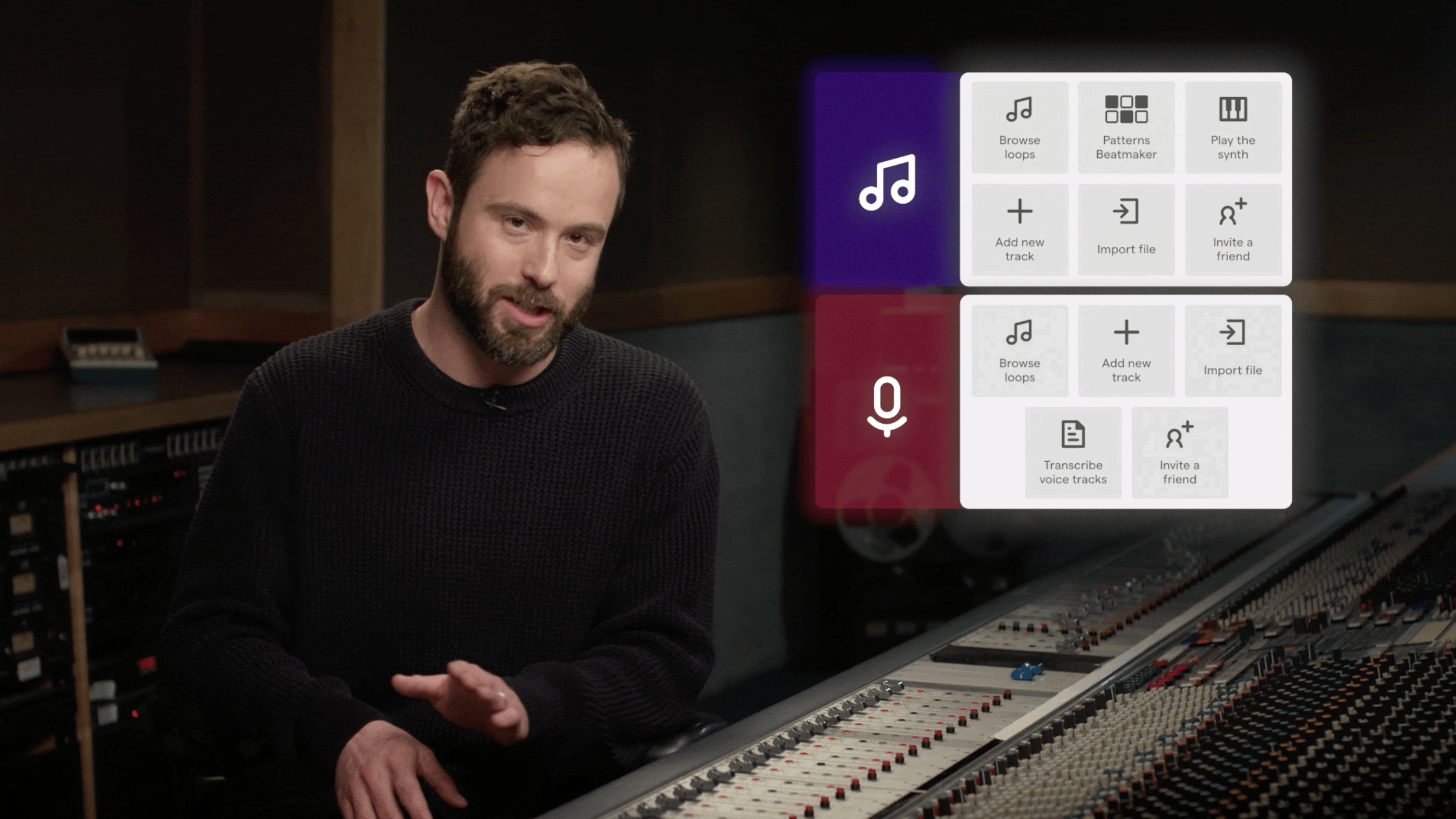
Lawrence Grey discussing the differences between Music and Podcast Modes in the Soundtrap Teacher Certification Course.
What it is
A free certification course we built in partnership with Soundtrap. It takes about forty minutes, and nearly 1,800 teachers around the world have already taken it. It covers using Soundtrap and administering a Soundtrap account, which is the part that trips people up, and it comes with two projects you can run immediately: one podcast and one music production. Enroll here. Then claim a sixty day free trial with code YPG2026 and practice on the real thing.
How we use it
Soundtrap is the de facto default DAW in K-12 schools, and compliance is a big part of why: it is one of the few browser-based DAWs built to meet COPPA and FERPA requirements. It is the foundation of our Music Production 1 curriculum and the easiest place for a school to start with music technology.
It also shines in academic classes with podcasting. Literacy stopped being the English teacher's job alone a long time ago, and audio helps teachers from any other subject jump in.
In ELA, podcasting puts all four literacy domains to work at the same time instead of in isolation. Students read and research to build an episode, draft and revise a script, perform that language out loud, and then listen back closely enough to cut what is not working. Students record first in their own vernacular and then translate into academic language, which turns a barrier into a starting point. The format also does something a worksheet cannot: it demands elaboration. A podcast collapses the second someone runs out of things to say, so students extend their reasoning because the form asks for it rather than because a rubric told them to. Writing feeds the speaking and the speaking feeds the writing.
In history, students can narrate a pivotal event, interview a historical figure in character, or take opposite sides of a real disagreement and argue it out. Whatever the format, every claim still has to come from a source. Audio does something a written DBQ cannot, because it makes students speak the evidence in their own words, and paraphrasing out loud for an audience is a harder test of understanding than quoting on a page.
In science, students can walk through a complex process, debate a hypothesis, or translate a dataset into language their classmates actually understand. The common thread is audience. Explaining something out loud to a listener who doesn't know jargon exposes exactly where the understanding stops, and students hear that gap themselves the moment they play the recording back.
In world language, students can tell a story, interview a classmate, or present something cultural, all in the target language. Recording takes away the live audience, so students speak longer and take bigger risks than they will standing in front of the class. Then they hear themselves and start fixing their own pronunciation and phrasing before anyone corrects them.
Alejandra Ceja runs ELD pullout at KIPP Heritage Academy. During our podcasting pilot she put microphones in front of her newcomers, the students hardest to keep in English. After the pilot she told us “In three weeks, I got the most sustained English practice I've gotten all year." Her students heard themselves back and started cutting their own work. That is self-monitoring, a skill teachers usually have to teach directly. The recording made their speech hold still long enough to inspect, the way writing does, and it worked for students who cannot yet get their thinking onto a page.
Check out the full story here: Literacy Through Audio: What the Microphone Unlocks. If podcasting is new to you, Podcasting in the Classroom covers formats, tools, and a free project to start with.
3. YPG Teacher Get-Togethers
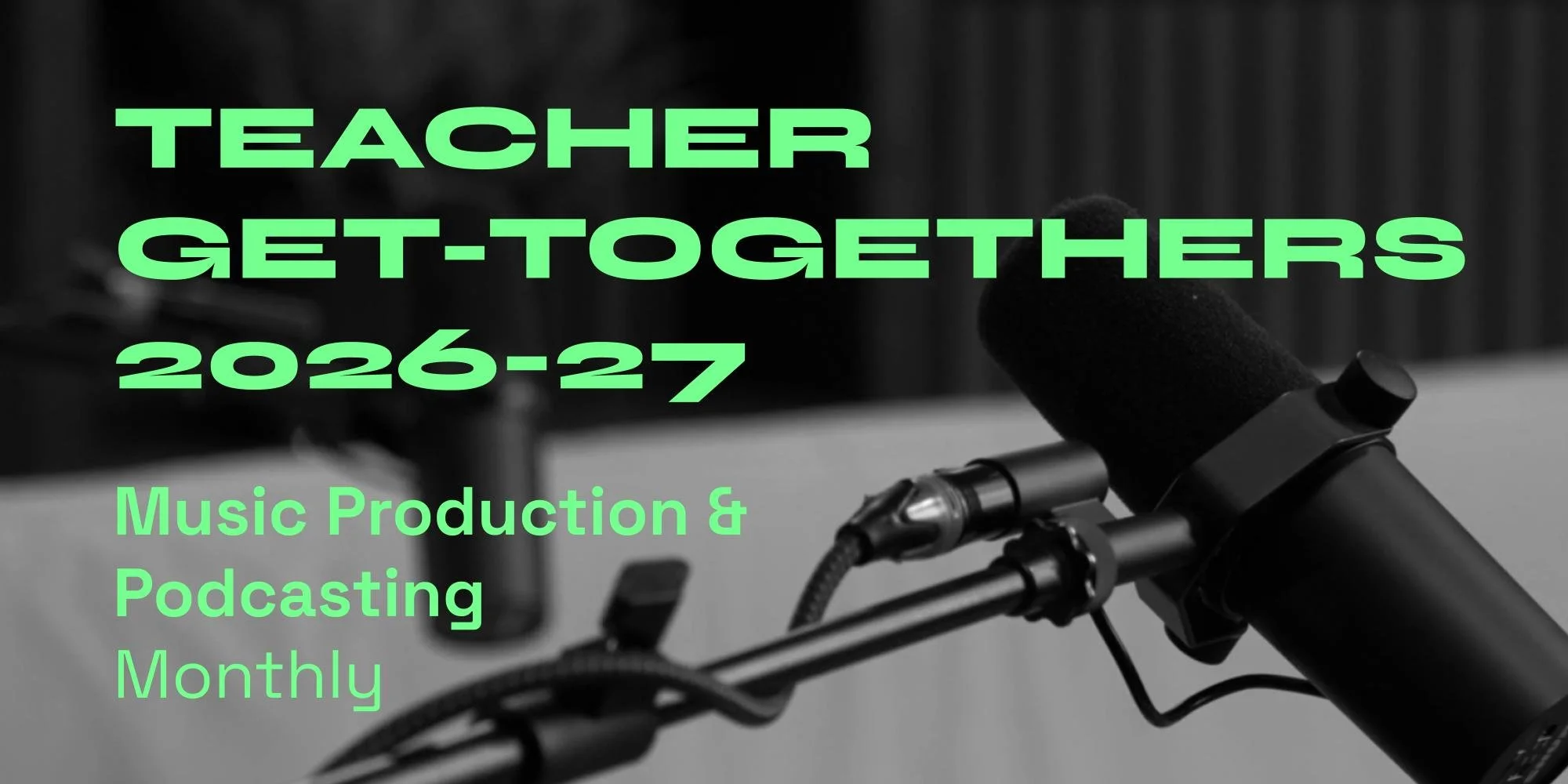
These are free sessions on Zoom, and this fall we are running both music and podcasting versions. Each one includes a mini masterclass, classroom-ready activities you can use the next day, Q&A, giveaways, and time to actually talk to each other. They are open to all teachers. You do not need to be a YPG customer to come. Music and audio teachers are often the only people in their buildings doing it, and that isolation does more harm than you'd think. Some of our best thinking has come out of these rooms, including the conversation about student intention that became Teaching with Intention.
Join us on September 16th at 1pm or 4pm PST for our first Teacher Get-Togethers of the 2026-27 school year, focusing on music production. Sign up here. We’ll be giving away a license of Ableton Live Suite (usually $899!) in both sessions. Be sure to join our mailing list to get notified about our first podcasting get-together in October.
4. The YPG Learning Platform
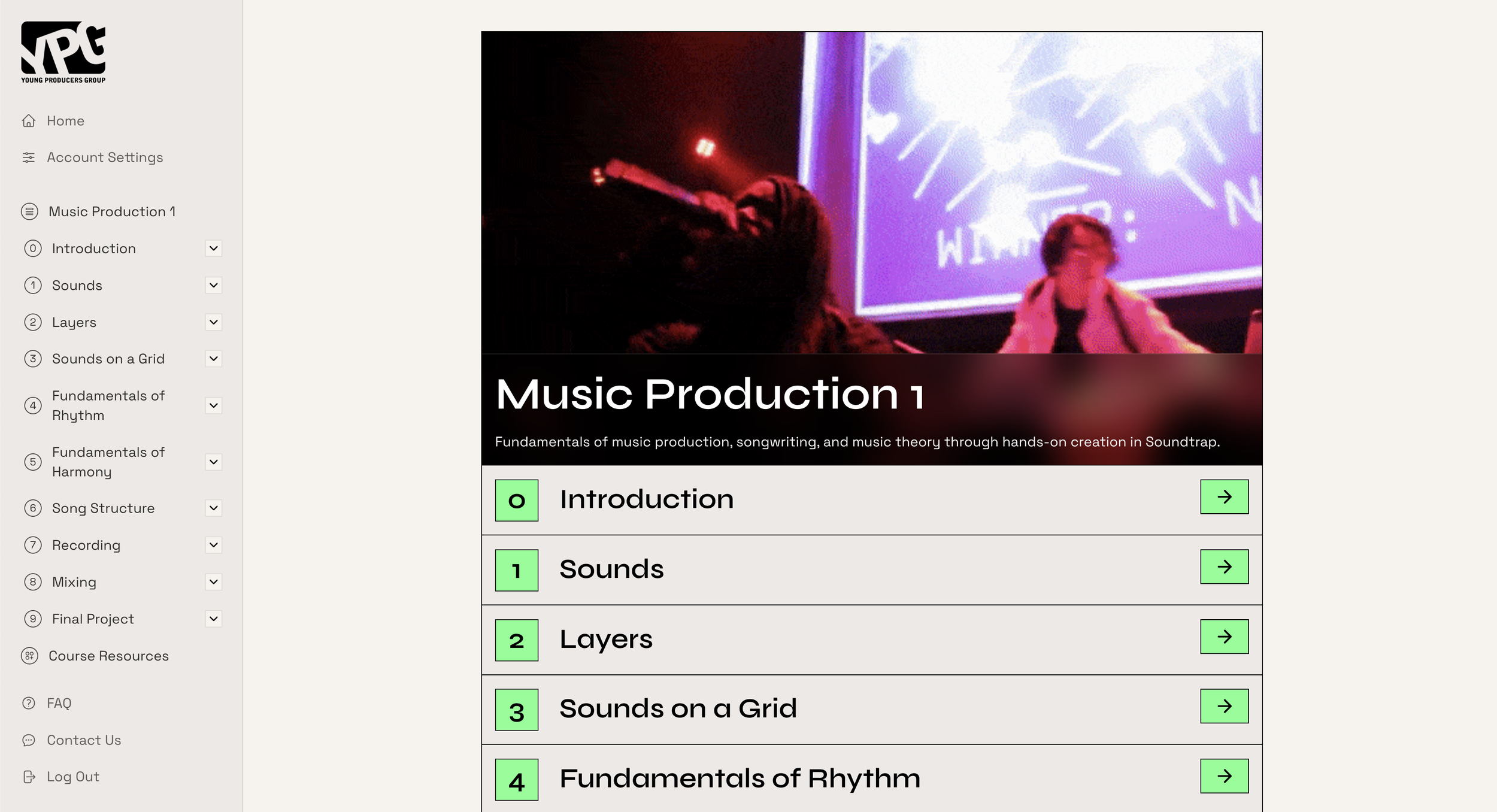
Music Production 1 on the YPG Learning Platform.
For years we shipped our curricula to schools as Google Slides. That era is over. Everything now lives at learning.youngproducersgroup.com: Music Appreciation, Music Production 1 and 2, Advanced Music Technology and Business, Music Industry, and the YPG Podcasting Resources.
It is teacher login only, so there are no student accounts and no student data. Every curriculum is free to trial for sixty days, which is long enough to run something real with students and find out whether it works in your room. Pricing can be found on our site. Start a free trial here.
Now what?
Between Ableton and Soundtrap, a teacher with no budget can put professional creative tools in front of every student in the room this fall. But having a car doesn’t mean you know how to drive and it certainly doesn’t mean you know where to go. The YPG Team is here to help you figure out the best way to integrate these tools into your teaching. Let us know how we can help you this school year.
Here’s the secret: elevate student voice. Get them making their own stuff with the tools we outlined above and you’ll see real, authentic engagement in your class.
Good luck this school year!